The best label makers range from pocket-size printers for pantry and school labels to desktop machines built for shipping volume. Choose by label width, phone or computer compatibility, and whether you need everyday organization labels or 4×6 package labels.
Quick Top Products
Phomemo M250
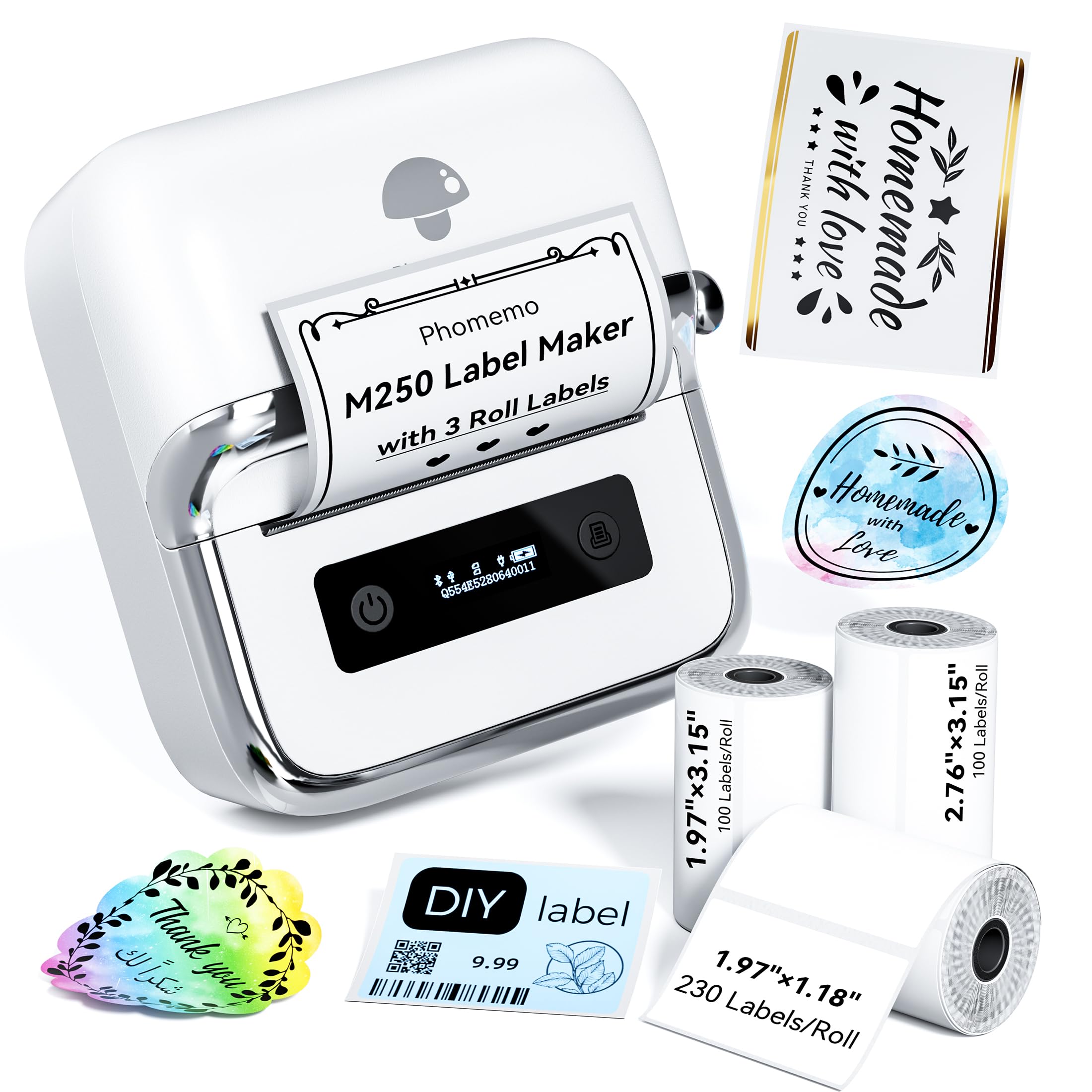
- Supports label widths from 20 to 75 mm.
- Includes three label rolls in different sizes.
- Connects by Bluetooth or USB across mobile and computer platforms.
Best For: People who want a portable printer for labels from narrow tags to wider storage and retail labels.

Phomemo M120
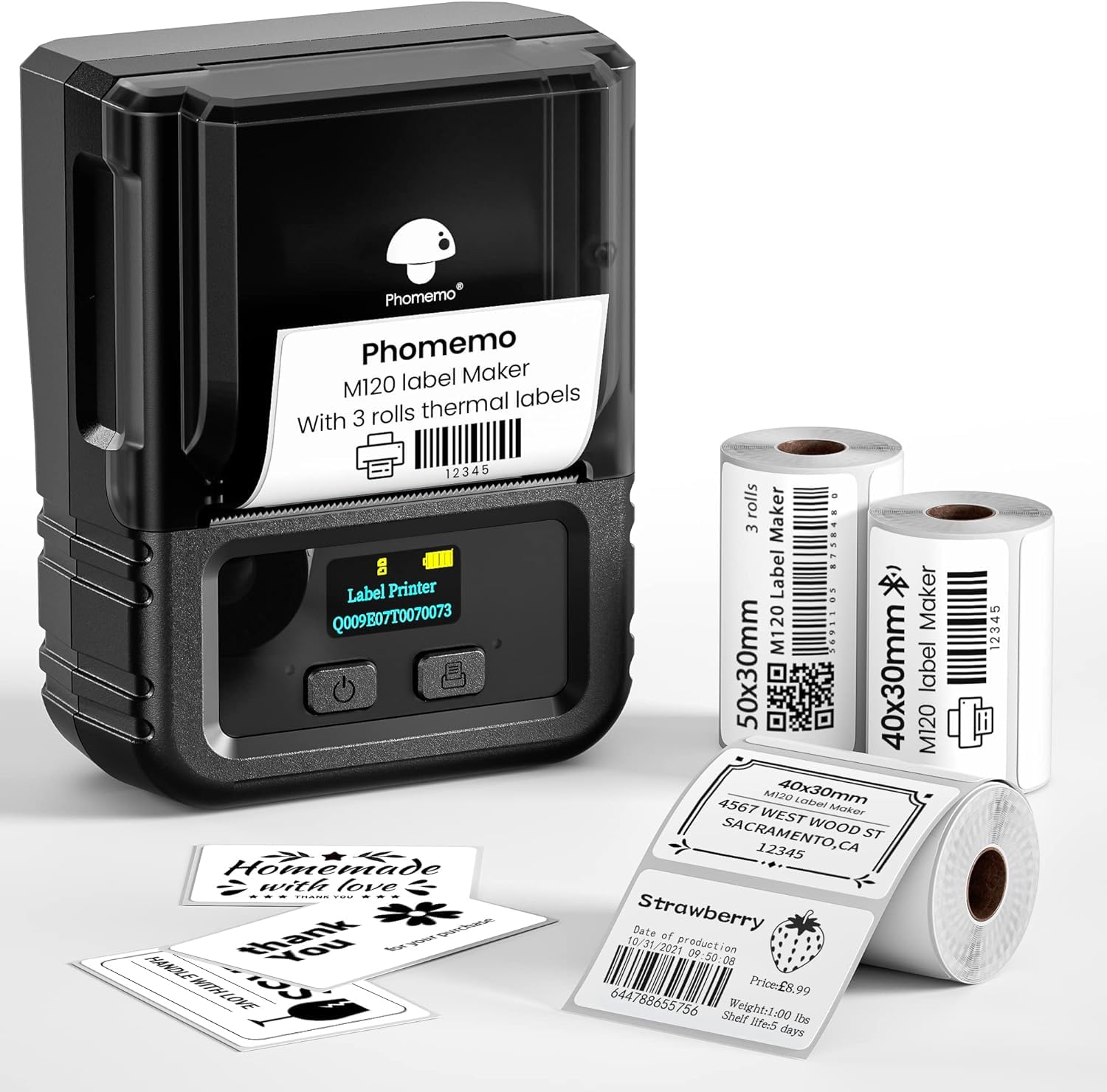
- Weighs 200 g and supports 20–50 mm labels.
- Includes three rolls in two sizes.
- Connects to phones by Bluetooth and PCs by USB.
Best For: Users who want a pocketable printer with multiple included roll sizes and app-assisted label creation.
D520BT Shipping Label Printer
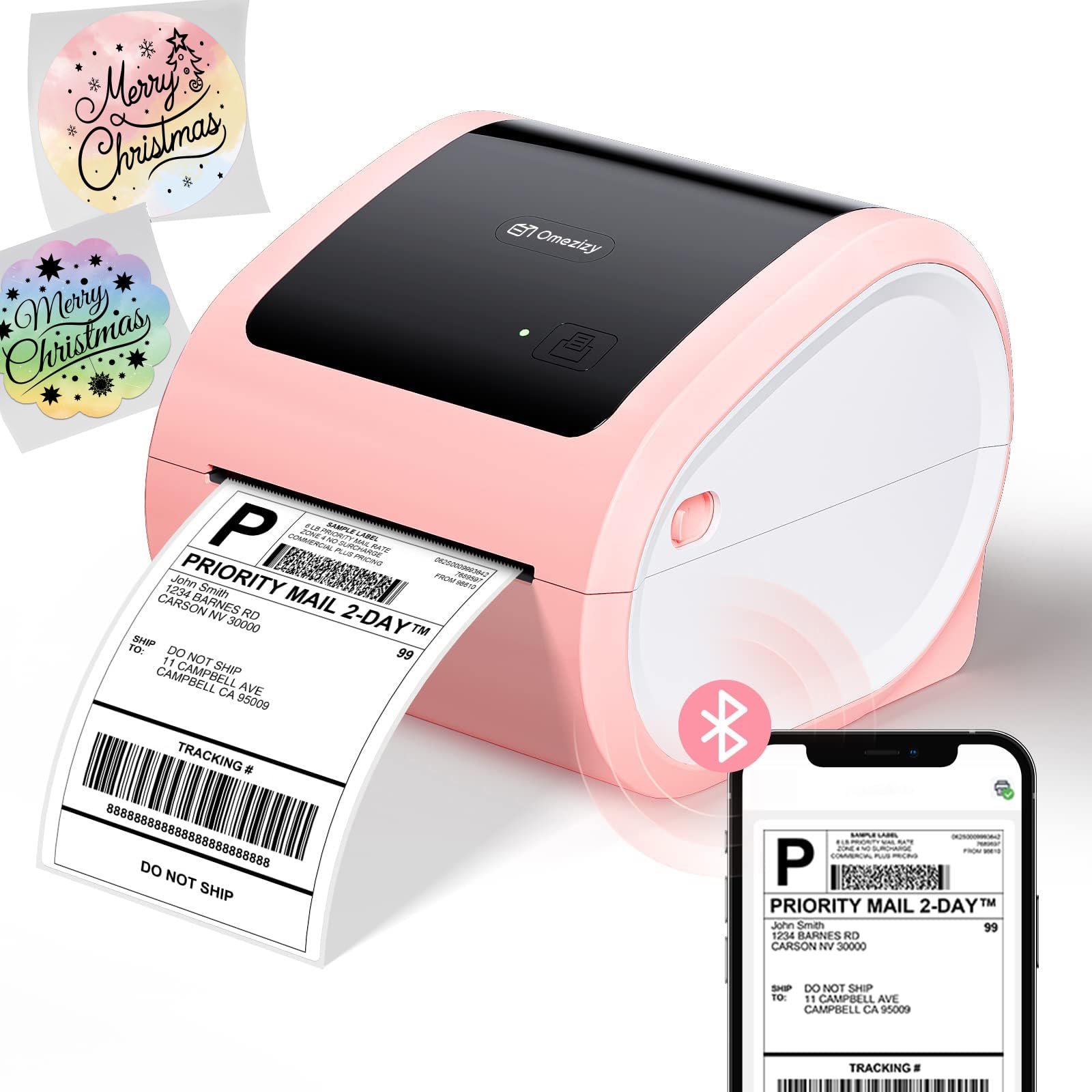
- Supports 1–4.6 inch labels, including 4×6 shipping labels.
- Internal roll bin and rear fanfold loading offer two paper paths.
- Bluetooth and USB connections support mobile and computer setups.
Best For: Small sellers who want a desktop 4×6 printer with an internal roll bin and flexible paper loading.
D450BT Thermal Shipping Printer
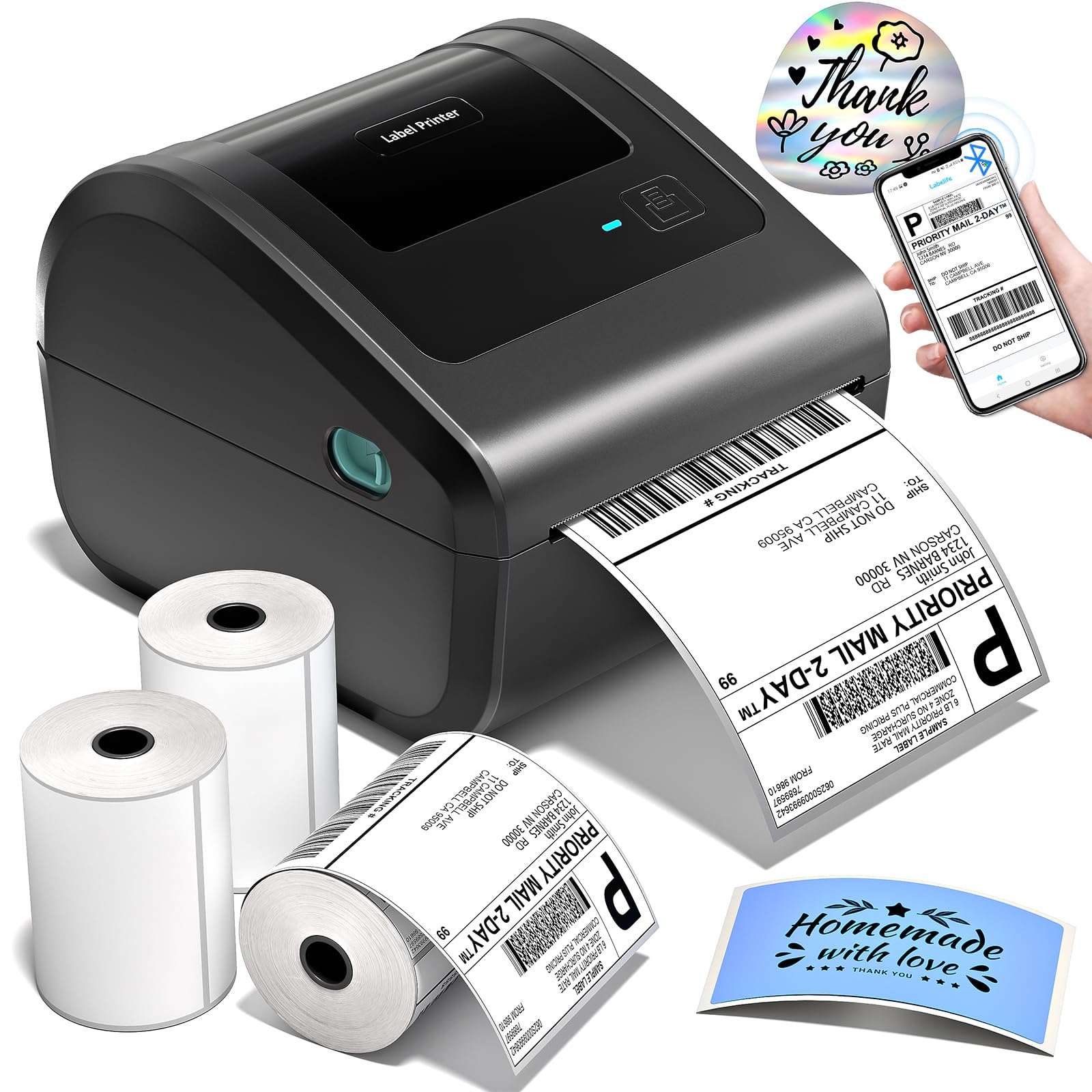
- Includes 750 4×6 labels across three rolls.
- Built-in compartment and rear feed support different label formats.
- Bluetooth and USB connectivity; up to 72 labels per minute.
Best For: Online sellers who want a compact 4×6 shipping printer with labels included.
D450BT Pink Shipping Printer
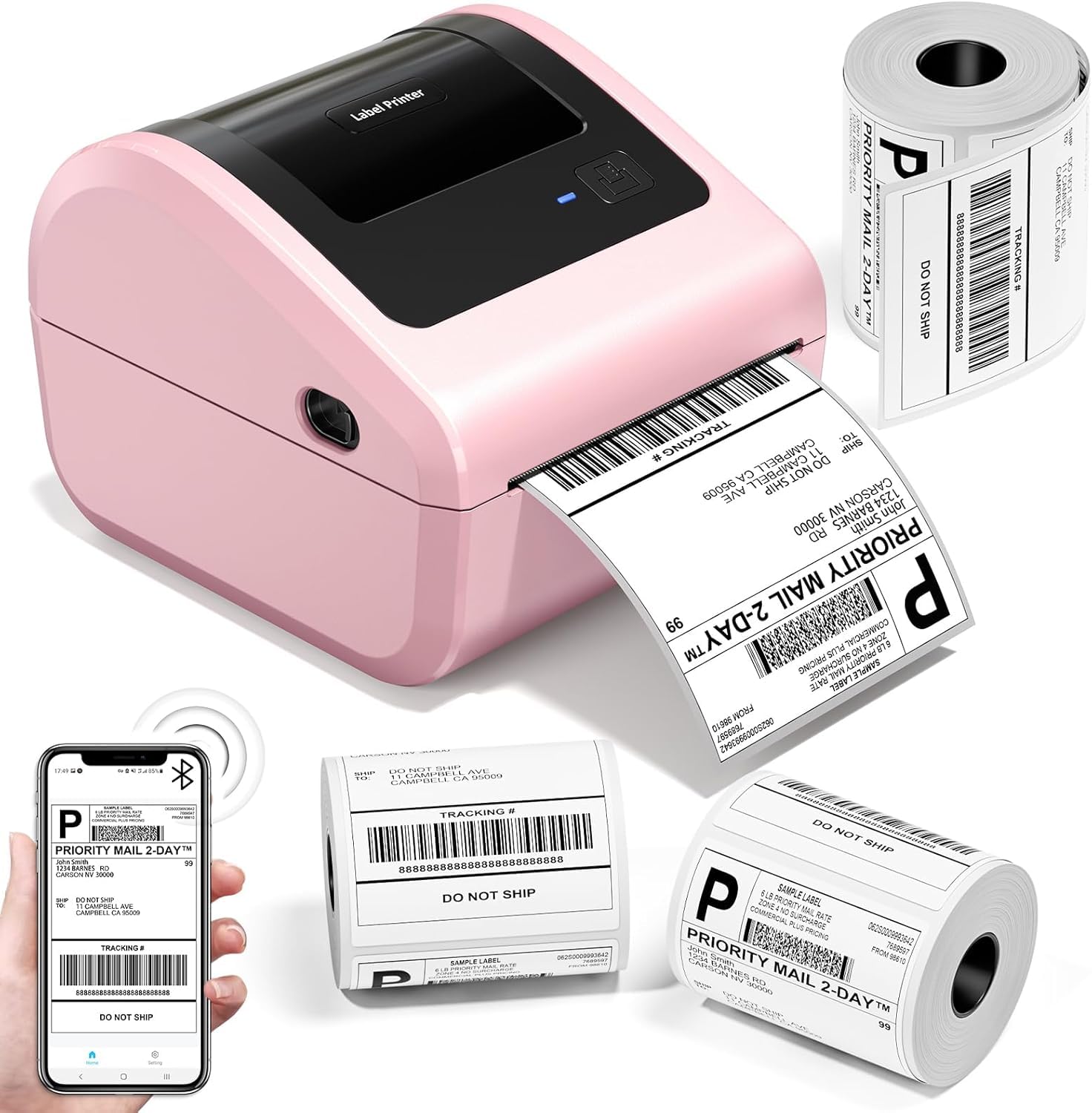
- Includes three rolls totaling 750 4×6 labels.
- Supports Bluetooth and USB connections.
- Built-in bin accommodates up to 250 labels in a roll.
Best For: Sellers who prefer a pink desktop shipping printer and want multiple rolls included.
Nelko PM220
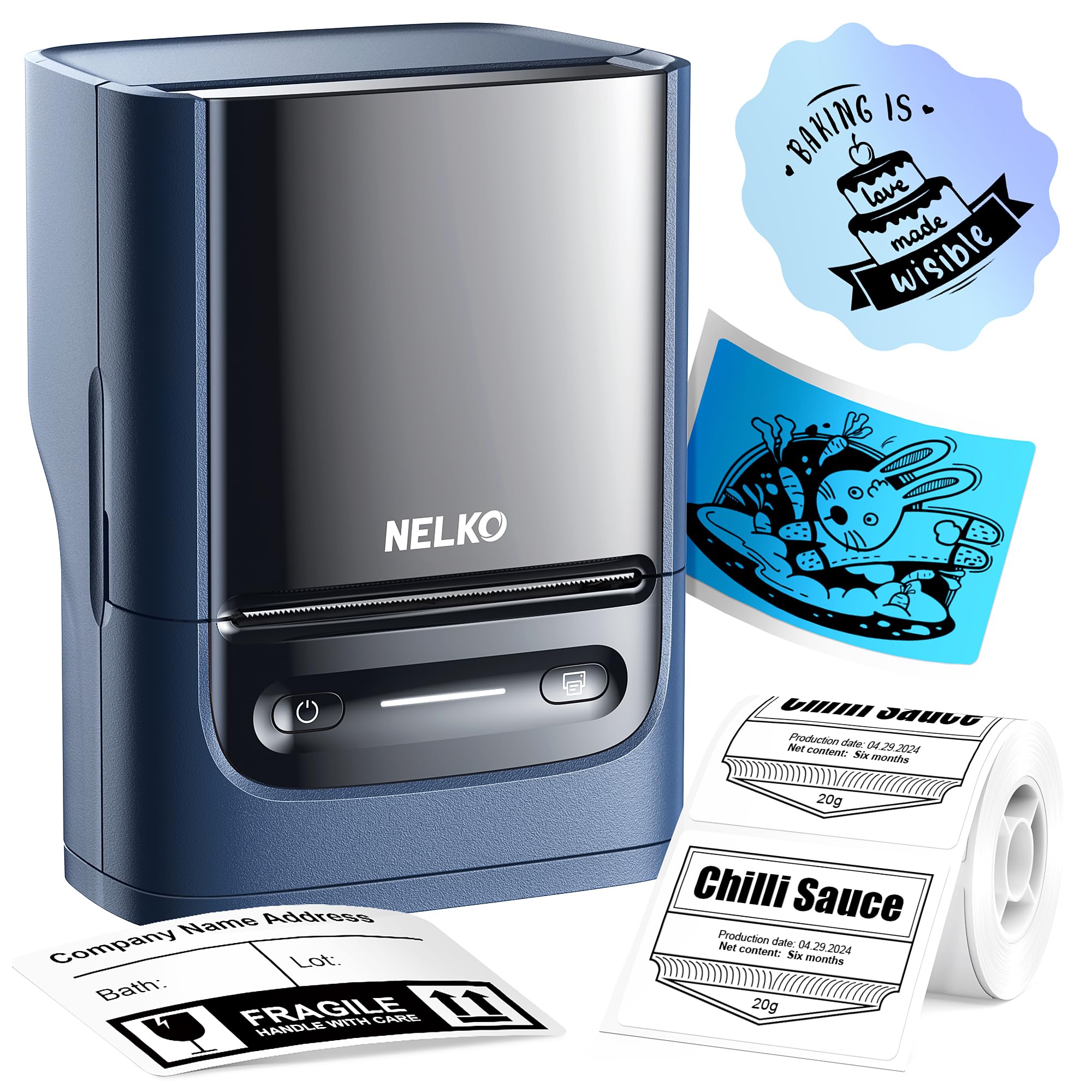
- Supports 23–54 mm label widths.
- Prints from phones and computers with the specified apps or driver.
- App supports QR codes, barcodes, text, and custom layouts.
Best For: Users who need a portable label maker that can print from both a smartphone and computer.
NIIMBOT B21
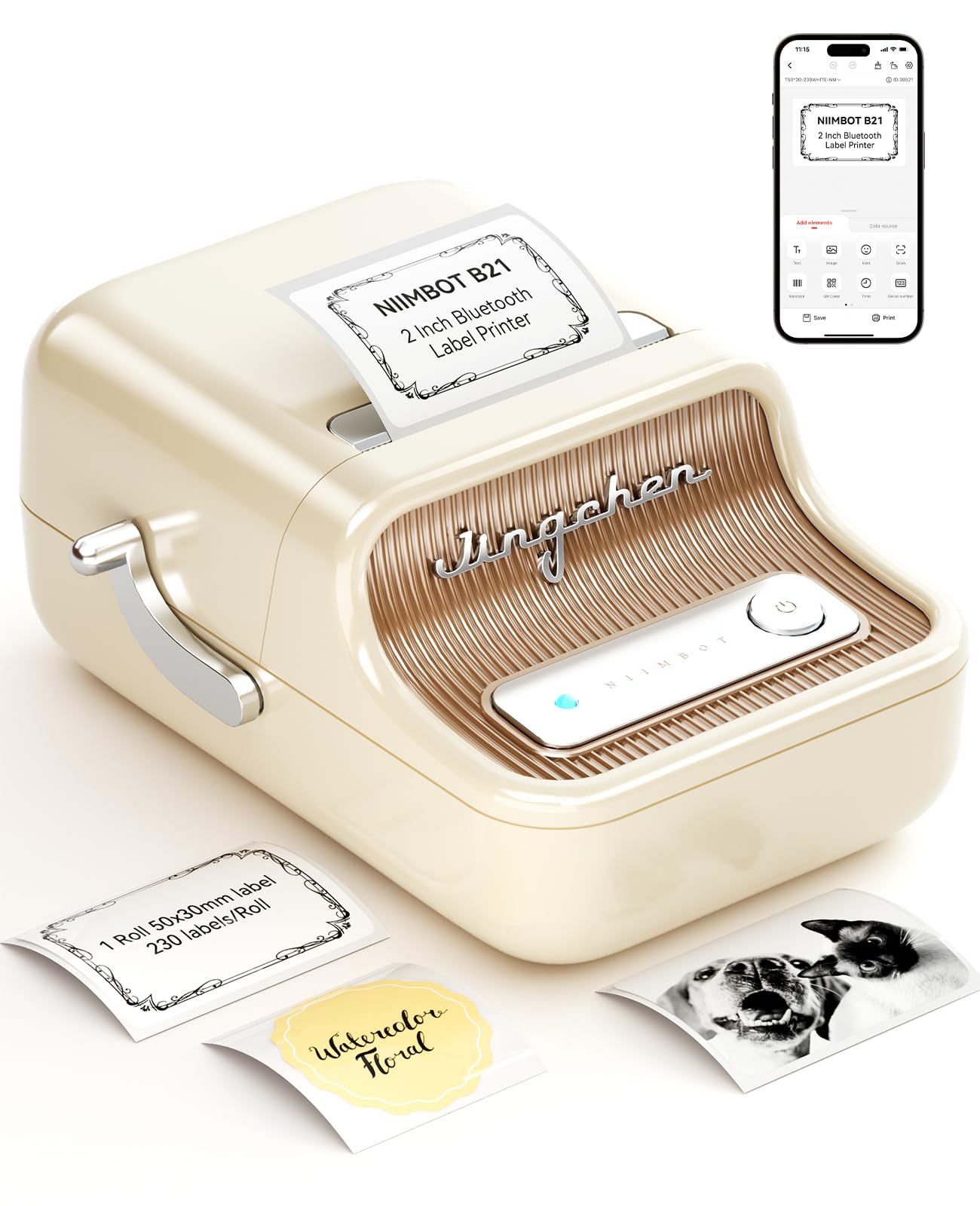
- Supports labels from 0.8 to 2 inches wide.
- App includes image recognition and Excel batch printing.
- Thermal printing requires no ink, toner, or carbon tape.
Best For: Small businesses and crafters creating price, address, and product labels up to two inches wide.
Phomemo P12
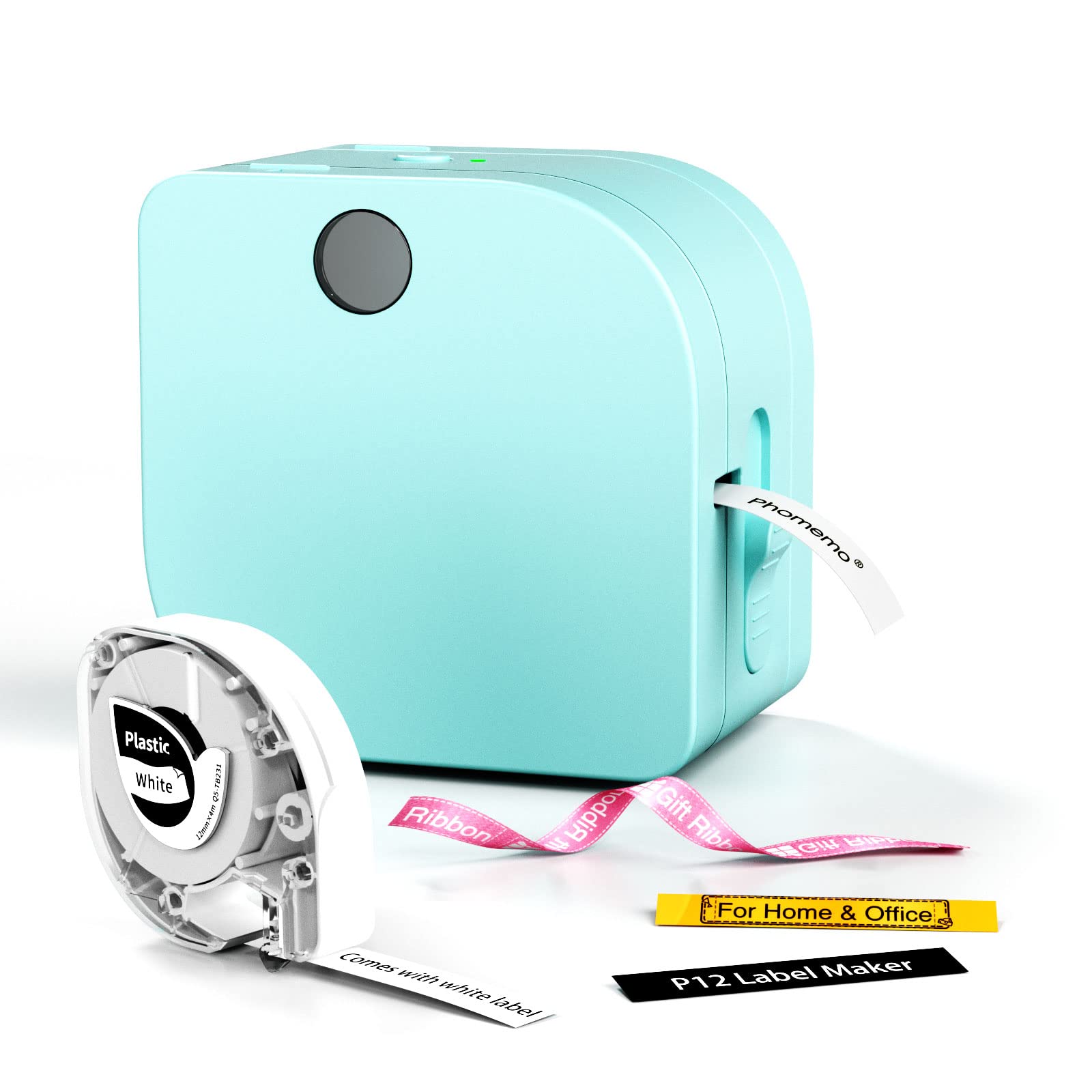
- Supports thermal labels, iron-on labels, and thermal transfer ribbons.
- Connects to iOS and Android by Bluetooth.
- Can use USB-C power or six AAA batteries.
Best For: Households and crafters who want a compact maker for everyday labels, iron-on tags, and ribbon projects.
NIIMBOT D110
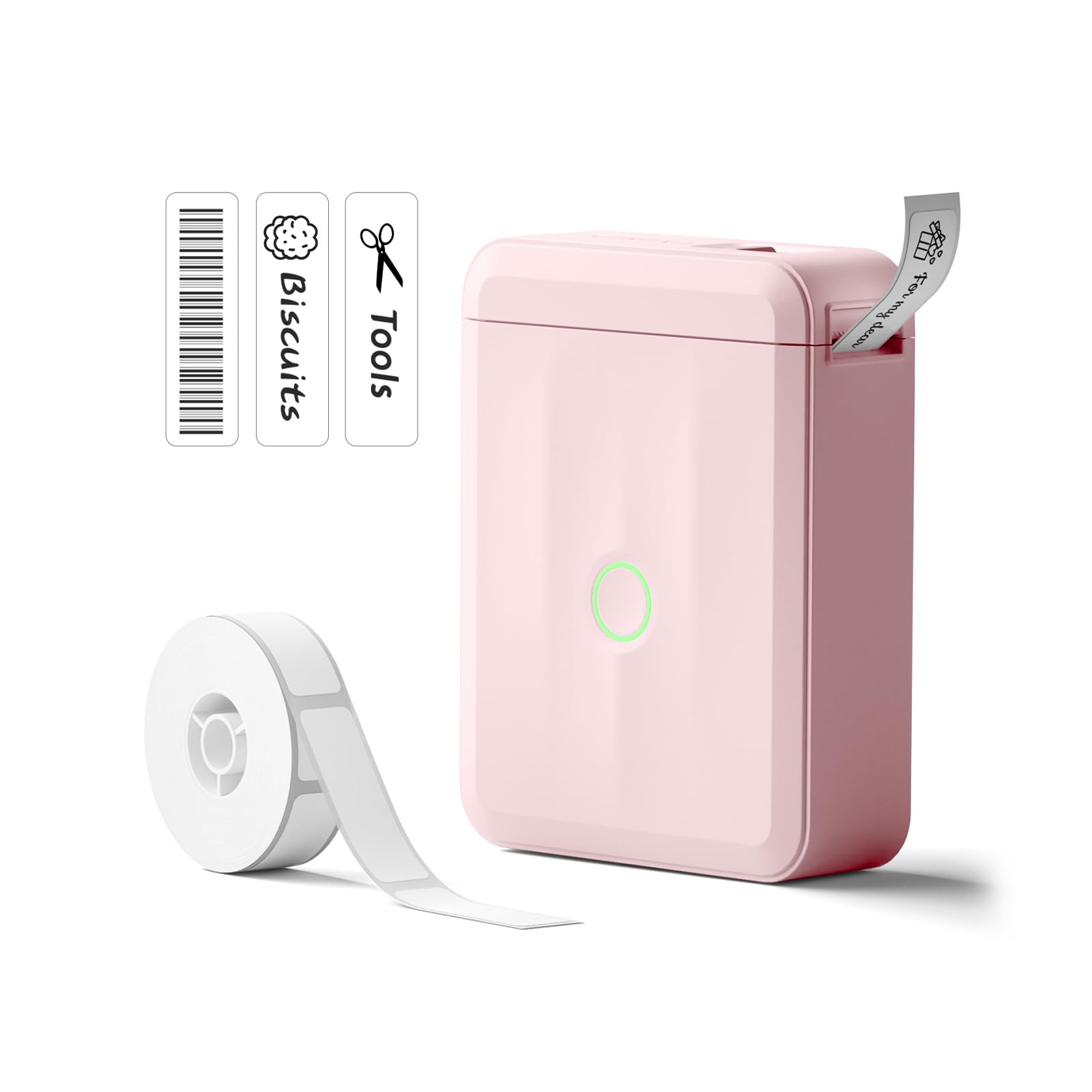
- Rechargeable and connects through the NIIMBOT phone app.
- Recognizes supported label types, including clear and round tapes.
- Supports batch printing for home, school, and office labels.
Best For: Home and school users who want a rechargeable, phone-operated printer for everyday identification labels.
Flexible Widths for Mixed Labeling
Phomemo M250 3 Inch Label Maker Machine with 3 Roll Labels | Bluetooth Thermal Label Printer, Upgrade Portable Barcode & Address Label Maker for Business, Home, School, Logo Label
The Phomemo M250 supports labels from 20 to 75 mm wide, giving it more room for varied home, office, and small business tasks than the narrower models here. This kit includes three rolls in different sizes, so it can handle barcode, address, jar, and cable labels from the start.
It connects by Bluetooth or USB and works with Android, iOS, iPad, macOS, and Windows 7 or later. Its 2,200 mAh battery is rated for up to 5,000 labels per charge.
Printing is monochrome thermal, so color comes from the label stock rather than the printout.
Best For: People who want a portable printer for labels from narrow tags to wider storage and retail labels.
| Pros | Cons |
|---|---|
|
|
Choose the M250 if one portable machine needs to cover small tags and wider product or organization labels. Its 20–75 mm range and three included rolls offer more size flexibility than the 20–50 mm M110 or the fixed-size Nelko P21.
Check that your computer uses Windows 7 or later if you plan to print from a PC, and confirm that your label task fits within the 75 mm width limit.
Portable Printing with a Large Template Library
Phomemo M120 Label Maker, 2 Inch Bluetooth Thermal Label Printer with Label | (4030/4030/5030mm), Label Maker Machine for Small Business, Barcode, Address, Sticker Printer for Phone & PC
The Phomemo M120 weighs 200 g and supports labels from 20 to 50 mm wide. It comes with two 40 × 30 mm rolls and one 50 × 30 mm roll, making it ready for several common label formats.
Its Print Master app supports barcode and QR code printing, voice and image recognition, and a broad collection of templates, symbols, and fonts. Phones connect through Bluetooth; PCs connect by USB using Labelife software.
The printer uses thermal output, with adjustable print density and speed. It is suited to small labels for home organization, addresses, and business tasks, not standard 4×6 shipping labels.
Best For: Users who want a pocketable printer with multiple included roll sizes and app-assisted label creation.
| Pros | Cons |
|---|---|
|
|
Pick the M120 for portable labeling with a useful mix of included sizes and app features. The M110 offers a similar width range, while the M120 includes three rolls and specifies PC printing over USB.
For desktop computer use, check whether a wired connection fits your setup. For larger product labels, compare the M250's 75 mm maximum instead.
Compact Desktop Shipping Setup
Shipping Label Printer 4x6 with Built-in Label Bin | Pink Thermal Label Printer for Small Business, Shipping Packages, Home, Office, Compatible with USPS, Shopify, Amazon, Tiktok
The D520BT is a desktop thermal printer for package labels, barcodes, and other labels between 1 and 4.6 inches wide. Its built-in bin holds roll paper, while fanfold labels can feed from the back, giving two loading options without a separate roll holder.
It supports Bluetooth through an app and USB, with listed compatibility across mobile, Windows, Mac, ChromeOS, and Linux systems. The printer can produce up to 72 labels per minute and does not require ink or toner.
Its included materials do not specify a paper bundle, so plan for compatible thermal labels if you need to begin printing immediately.
Best For: Small sellers who want a desktop 4×6 printer with an internal roll bin and flexible paper loading.
| Pros | Cons |
|---|---|
|
|
Choose this printer when a dedicated shipping station needs both roll and fanfold loading. Its label-width range and computer connections also support barcode and mailing tasks.
The D450BT models include three rolls and a built-in compartment, while the D520BT record does not specify included labels. Check the exact package contents and confirm your preferred operating system and app pairing steps before ordering.
Three-Roll Starter Bundle
Bluetooth Shipping Label Printer with 3 Roll Labels | D450BT Thermal Label Printer 4x6 with Built-in Label Bin, Thermal Printers Come with 750PCS 4x6 Labels (250 Labels/Roll)
This D450BT desktop thermal printer includes three rolls of 250 4×6 labels each, along with a built-in compartment for internal rolls and support for rear-fed folded paper. At 7.2 × 6.3 × 5.3 inches, it is designed to occupy limited desk space.
It accepts labels from 1 to 4.6 inches wide and supports Bluetooth and USB across mobile and computer platforms. The printer is rated at 203 DPI and up to 72 labels per minute.
Thermal printing requires label stock rather than ink or toner. Check that your shipping software and device connect through a supported method before setting up a workflow.
Best For: Online sellers who want a compact 4×6 shipping printer with labels included.
| Pros | Cons |
|---|---|
|
|
The D450BT bundle makes sense for sellers who want a 4×6 shipping setup with a substantial label supply included. Its built-in bin and compact stated dimensions distinguish it from larger desktop arrangements.
Compare the similarly equipped pink D450BT only if color preference matters; the core model and bundle appear equivalent, so this guide includes one offer. Verify the label size and connection path needed by your shipping platform.
Pink Shipping Printer with Large Label Supply
Bluetooth Shipping Label Printer with 3 Roll Labels | D450BT Pink Thermal Label Printer 4x6 for Small Business, Thermal Printers Come with 750PCS 4x6 Labels (250 Labels/Roll)
This pink D450BT is a thermal shipping printer with a built-in label bin that holds up to 250 4×6 labels and also supports rear-fed folded paper. The package includes three rolls of 250 labels each.
It supports label widths from 1 to 4.6 inches, Bluetooth connections for mobile devices and several computer systems, plus USB connections for major computer platforms. Its stated resolution is 203 DPI and its speed is up to 72 labels per minute.
The printer uses direct thermal printing, so labels are the ongoing supply. Its desktop form and 4×6 focus make it suitable for a shipping station rather than pocket labeling.
Best For: Sellers who prefer a pink desktop shipping printer and want multiple rolls included.
| Pros | Cons |
|---|---|
|
|
This offer fits buyers who want the D450BT setup in pink with three rolls in the box. Its documented printing and connectivity details closely match the other D450BT candidate, so choose between these offers by preferred color and package details rather than expecting different core functionality.
Confirm the operating system, app or driver route, and the label format your shipping service provides.
Phone and PC Labeling up to Two Inches
Nelko Label Maker Machine with Tape, PM220 Bluetooth Label Printer, 2 Inch Portable Thermal Printer for Small Business, Address, Logo, Clothing, Sticker Printer for Phones & PC, Blue
The Nelko PM220 is a compact thermal label maker that supports label widths from 23 to 54 mm. It connects to iOS and Android phones through the Nelko app, and computer printing is available with the PM220 driver and app.
The included tape sits in the printer's paper bin, and the device supports QR codes, barcodes, tables, text, icons, and other layouts through its app. Its thermal output needs no ink or toner.
The app includes more than 90 fonts and 450 materials. A charging adapter is not included, and the maker advises against fast charging adapters, so check your available power setup.
Best For: Users who need a portable label maker that can print from both a smartphone and computer.
| Pros | Cons |
|---|---|
|
|
Choose the PM220 if you want a portable label printer with both phone and computer workflows. Its 23–54 mm range fits common identification, address, and product labels; the M250 supports wider stock up to 75 mm and includes three rolls.
Check the PM220 driver availability for your computer and use the app pairing instructions, since direct Bluetooth connection is not the setup path described for all devices.
Two-Inch Labels for Craft and Retail Work
NIIMBOT B21 Label Maker Inkless Bluetooth Label Printer, 2 Inch Portable Label Machine for Small Business, Address, Logo, Clothing, Mailing, Candles, Jewelry, Sticker Printer for Gift, White
The NIIMBOT B21 supports label widths from 0.8 to 2 inches and connects to the NIIMBOT app by Bluetooth. Its app provides more than 20 fonts and 1,000 image materials, with features for image recognition, Excel batch printing, and barcode scanning.
The printer uses thermal output, so it does not need ink, toner, or carbon tape. Its battery is rated for four hours of work on a charge, with automatic shutoff after 15 minutes paused.
This width range suits clothing, craft, jewelry, address, and price labels. It is a monochrome printer, so colored label stock is the path to colored backgrounds.
Best For: Small businesses and crafters creating price, address, and product labels up to two inches wide.
| Pros | Cons |
|---|---|
|
|
The B21 suits craft and retail work where a two-inch label ceiling is sufficient and the NIIMBOT app's batch and recognition tools are useful. The M250 accepts wider labels and supports USB as well as Bluetooth; the B21 focuses on app-based phone printing.
Check the desired label stock width and whether four hours of rated work per charge covers your planned session.
Iron-On and Decorative Label Options
Phomemo Label Maker Machine with Tape, P12 Bluetooth Small Label Maker with Multiple Templates Thermal Transfer Ribbon Printer Machine for Home, School, Teacher, Classroom
The Phomemo P12 works with thermal labels as well as thermal transfer labels, including iron-on options and ribbons. That range gives it a distinct role for clothing identification, gift wrapping, and decorative projects alongside ordinary kitchen, school, and office organization.
Its app connects to iOS and Android over Bluetooth and includes templates, fonts, borders, and symbols. It supports text, barcode, Excel import, scanning, OCR, and voice recognition.
Power comes from the included USB-C cable connected to an outlet or from six AAA batteries, which are not included. Check the chosen label material and power option for the task.
Best For: Households and crafters who want a compact maker for everyday labels, iron-on tags, and ribbon projects.
| Pros | Cons |
|---|---|
|
|
Pick the P12 when iron-on labels or decorative ribbon use matters alongside everyday labeling. The D30 and P21 are more focused on app-designed paper labels, while the P12 supports additional materials and outlet or battery power.
Before buying, confirm that the specific iron-on or ribbon stock fits your project and that phone-based Bluetooth printing matches your preferred workflow.
Rechargeable Everyday Organizer
NIIMBOT D110 Label Maker Machine, Bluetooth Thermal Label Printer for School Home Office Organization, Mini Thermal Printer, Label Maker with 1 Label Tape, Pink
The NIIMBOT D110 is a small Bluetooth thermal printer for home, school, office, and basic business labels. It connects through the NIIMBOT app on iOS or Android and supports batch printing.
Intelligent identification recognizes different supported label types, including clear, colorful, and round tapes. The device prints black text, while patterned tape can supply color.
Its built-in rechargeable battery is described as reaching full charge in two hours with the Type-C cable. It does not work with computers, which makes its phone-focused workflow an important fit check.
Uses include pantry labels, file identification, cable tags, and name labels.
Best For: Home and school users who want a rechargeable, phone-operated printer for everyday identification labels.
| Pros | Cons |
|---|---|
|
|
Choose the D110 for routine household, school, and file labels when printing from a phone is enough. Its rechargeable design and recognition of different label types simplify a compact setup.
The Nelko PM220 adds computer printing, while the D110 emphasizes mobile convenience. Check that the NIIMBOT app supports your phone and that your chosen refill type is compatible before settling on a label format.
How to Choose Label Makers
How We Picked Best Label Makers
We prioritized printers that fit distinct label-making jobs: phone-based home and school organization, repeated small-business product tags, and desktop shipping. Among compact models, width, included roll sizes, app tools, and phone or computer support shaped the selection.
The M120 and M250 cover portable labeling at different maximum widths, while the P12 adds iron-on and ribbon options. For package labels, the D450BT and D520BT support wide formats and desktop connections.
Several candidates serve nearly the same job. We selected one M110-family offer and one D530Pro alternative was excluded because multiple similar shipping printers already cover that role.
The two D450BT offers are retained as distinct color and bundle choices, with their shared core features made clear. This keeps the guide useful across everyday organizing and business shipping without treating every model name as a new category.
Comparing Label Makers by Size and Workflow
Compact label makers use phone apps and narrower stock for pantry containers, files, cable tags, jewelry, and price labels. The M120 includes 40 × 30 mm and 50 × 30 mm rolls, while the Memoqueen M110 focuses on 20–50 mm media and Excel batch printing.
The M250 reaches 75 mm wide and offers both Bluetooth and USB, making it the most flexible selected portable option for mixed label sizes.
Shipping printers work differently: they are desktop machines for wider mailing labels, especially 4×6 formats. The D450BT includes 750 labels and a built-in bin; the D520BT supports internal roll or rear-fed fanfold paper.
Compare operating-system support, app or driver setup, and the included label supply. A compact handheld machine may be easier to store, while a desktop model is better suited to a regular package-preparation station.
| Product | Standout features | Best for |
|---|---|---|
| Phomemo M250Check Price |
| People who want a portable printer for labels from narrow tags to wider storage and retail labels. |
| Phomemo M120Check Price |
| Users who want a pocketable printer with multiple included roll sizes and app-assisted label creation. |
| D520BT Shipping Label PrinterCheck Price |
| Small sellers who want a desktop 4×6 printer with an internal roll bin and flexible paper loading. |
| D450BT Thermal Shipping PrinterCheck Price |
| Online sellers who want a compact 4×6 shipping printer with labels included. |
| D450BT Pink Shipping PrinterCheck Price |
| Sellers who prefer a pink desktop shipping printer and want multiple rolls included. |
| Nelko PM220Check Price |
| Users who need a portable label maker that can print from both a smartphone and computer. |
| NIIMBOT B21Check Price |
| Small businesses and crafters creating price, address, and product labels up to two inches wide. |
| Phomemo P12Check Price |
| Households and crafters who want a compact maker for everyday labels, iron-on tags, and ribbon projects. |
| NIIMBOT D110Check Price |
| Home and school users who want a rechargeable, phone-operated printer for everyday identification labels. |
Choosing Label Width, Material, and Print Style
Start with the largest label you expect to print. The M250 supports up to 75 mm, the M110-family models generally top out around 50 mm, and the desktop shipping printers handle up to 4.6-inch media.
If you print only pantry, school, or file labels, a smaller portable printer may be sufficient. For package labels or larger product formats, check the exact supported width rather than relying on a broad category name.
Most compact options here use monochrome thermal printing. Color comes from patterned or colored media, not full-color printing.
The P12 is the notable choice for thermal transfer materials, including iron-on labels and ribbons. Confirm the intended refill type before buying, especially for clothing projects or labels that may be exposed to moisture, oil, or regular handling.
Phone Apps, Computer Connections, and Batch Labels
A phone-first label maker keeps setup portable, but each app has its own workflow. The NIIMBOT D110 does not support computer printing; the Nelko PM220 and Phomemo M250 provide computer paths, while the M120 uses USB for PC printing.
If you create many recurring labels, look for Excel or batch printing support, as found on the Memoqueen M110, M120, M250, B21, and D110.
For shipping work, compare Bluetooth and USB support with the system that runs your store or carrier software. The D520BT and D450BT list broad device support, but pairing and driver steps can differ.
Also check whether labels come with the printer: the D450BT bundles include three rolls, while the D520BT's package details do not specify a supply.
Which Label Maker Fits Your Work?
For home and school organization from a phone, consider the NIIMBOT D110 or Phomemo M120; the D110 is phone-only, while the M120 adds PC printing over USB and includes three rolls. For mixed label widths and phone or computer flexibility, the M250 reaches up to 75 mm.
Choose the P12 when iron-on labels or decorative ribbons are part of the project.
For small-business price, barcode, and product labels, the Memoqueen M110 brings Excel batch printing, and the B21 offers NIIMBOT app tools within a two-inch width. For 4×6 package labels, consider a D450BT bundle if you want labels included, or the D520BT if roll and fanfold loading options matter.
Before checkout, match label width and material to the job, then confirm the connection method and supplies you need.