The Silkland DP80 DisplayPort Cable review is for buyers building a compact connection between a DisplayPort graphics card and monitor, especially for a high-refresh gaming desk.
Its 1.6-foot length and stated 80Gbps bandwidth make it a specialized short cable, so the key question is whether your devices and layout can use those capabilities.
Silkland DP80 Cable Review Summary
The quick verdict
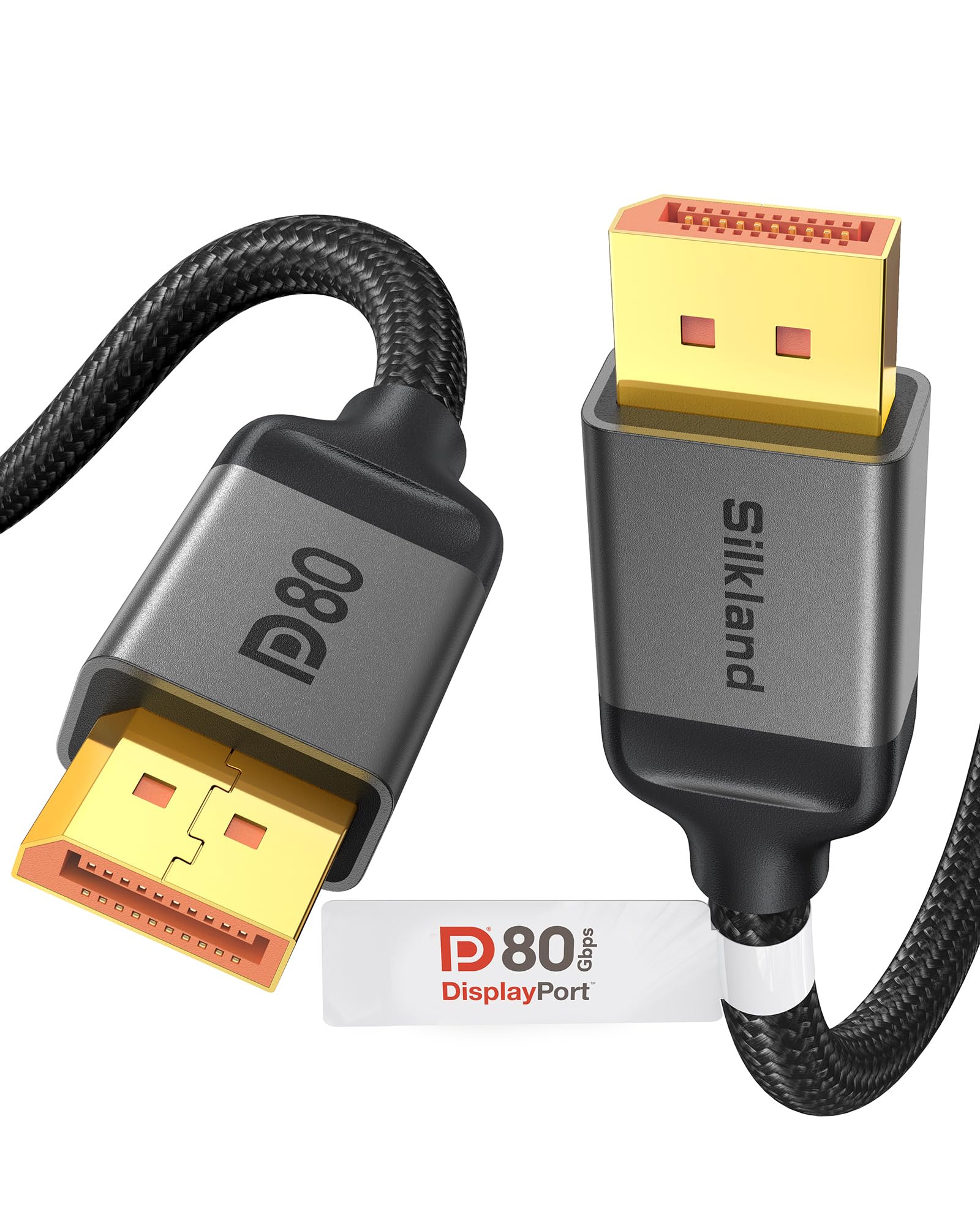
2,000+ ratings
Read Amazon ReviewsSilkland DP80 DisplayPort Cable
A 1.6-foot choice for gamers and desktop users who want a short DisplayPort connection and have compatible high-bandwidth equipment.
- DisplayPort 2.1 DP80 cable with a stated data rate of 80Gbps and VESA certification.
- Supports uncompressed 4K at 240Hz, 8K at 60Hz, and 2K at 540Hz; with DSC enabled, listed maximums include up to 16K at 60Hz, 8K at 240Hz, and 4K at 540Hz.
- Includes support for VRR, FEC, ALLM, DSC 1.2a, and MST; Silkland advises using the same cable type across multiple displays.
- Lists HDR10+, 3D, HDCP 2.3, and uncompressed 7.1, 5.1, or 2.0 audio pass-through.

Pros
- High stated bandwidth accommodates demanding resolution and refresh-rate targets when the rest of the system supports them.
- Compact 1.6-foot length can reduce excess cable on a close desktop setup.
Consider before buying
- At 1.6 feet, it may not reach comfortably if the computer and display are separated or routed around furniture.
- The listed maximum modes depend on the graphics card, monitor, and in some cases DSC; the cable alone cannot enable unsupported display modes.
Read the full review summary
This cable’s main appeal is its combination of short reach and high stated bandwidth.
Silkland lists uncompressed support for 4K at 240Hz, 8K at 60Hz, and 2K at 540Hz, with higher refresh or resolution combinations available up to specified limits when Display Stream Compression is enabled.
That range gives owners of compatible displays and graphics cards room to target demanding modes without a long cable run cluttering the desk.
It is best suited to a close PC-to-monitor connection where both ends have DisplayPort and the graphics card and monitor support the desired mode.
The short length is a meaningful constraint, and headline maximums depend on device capabilities and compression support.
Buyers with a more distant monitor or a system that cannot use DP 2.1 UHBR20 may prefer a different cable length or bandwidth tier.
The buying factors
Silkland DP80 Cable Scorecard
Editorial scores reflect listed features and buyer fit; they are not laboratory measurements or customer ratings.
Bandwidth headroom
The 80Gbps DP80 specification targets demanding high-resolution and high-refresh combinations, with higher listed modes requiring DSC.
Short desk routing
A 1.6-foot cable can keep a nearby PC and display connection compact, but offers little slack for separated equipment.
Gaming features
VRR, ALLM, FEC, DSC 1.2a, and MST are listed, covering several features relevant to gaming and multi-monitor setups.
Build details
Tinned copper conductors, triple shielding, gold-plated connectors, and a nylon exterior are specified as construction features.
Setup flexibility
It is backward compatible with DP 2.0 and 1.4, though the highest modes depend on compatible equipment and a short physical reach.
Audio and display support
The cable lists HDR10+, 3D, HDCP 2.3, and multichannel uncompressed audio pass-through for compatible devices.
Key Features and Specifications of Silkland DP80 Cable
- DisplayPort 2.1 DP80 cable with a stated data rate of 80Gbps and VESA certification.
- Supports uncompressed 4K at 240Hz, 8K at 60Hz, and 2K at 540Hz; with DSC enabled, listed maximums include up to 16K at 60Hz, 8K at 240Hz, and 4K at 540Hz.
- Includes support for VRR, FEC, ALLM, DSC 1.2a, and MST; Silkland advises using the same cable type across multiple displays.
- Lists HDR10+, 3D, HDCP 2.3, and uncompressed 7.1, 5.1, or 2.0 audio pass-through.
- Male-to-male DisplayPort connectors, with no latch, 24K gold plating, 28AWG tinned copper conductors, triple shielding, and a nylon exterior.
- The 1.6-foot length is intended for indoor connections between compatible DisplayPort graphics cards and monitors; backward compatibility includes DP 2.0 and DP 1.4.
Pros and Cons of Silkland DP80 Cable
Pros
- High stated bandwidth accommodates demanding resolution and refresh-rate targets when the rest of the system supports them.
- Compact 1.6-foot length can reduce excess cable on a close desktop setup.
- Includes gaming-oriented features such as VRR, ALLM, FEC, DSC, and MST.
- Construction details include triple shielding, tinned copper, gold-plated connectors, and a nylon exterior.
Consider before buying
- At 1.6 feet, it may not reach comfortably if the computer and display are separated or routed around furniture.
- The listed maximum modes depend on the graphics card, monitor, and in some cases DSC; the cable alone cannot enable unsupported display modes.
- The connector has no latch, so buyers who prefer a locking connection should check whether a non-latching fit suits their setup.
Who Should Buy Silkland DP80 Cable?
Good fit
Consider the DP80 if your computer sits close to your monitor and you want a short DisplayPort cable for a high-refresh display.
The 80Gbps rating and listed display modes give it room for demanding configurations, while the compact run can make a tidy desk easier to manage.
Before buying, confirm that both the graphics card and monitor support DisplayPort 2.1 UHBR20 if you expect to use the highest bandwidth modes.
Also check the target resolution and refresh combination, whether DSC is required, and measure the route with enough slack to connect and reposition equipment.
Who should skip it
Choose another length if the cable must travel behind a desk, reach a tower on the floor, or leave room to move the monitor. At just 1.6 feet, its compact reach is central to the design.
Skip it if your equipment lacks DisplayPort ports or if your monitor and graphics card cannot use the higher bandwidth modes you are buying it for.
A shorter or less demanding target may not make this DP80 tier necessary.
How the Silkland DP80 Cable fits a high-refresh setup
Bandwidth and display modes
The DP80’s defining feature is its 80Gbps stated bandwidth.
Silkland lists uncompressed support up to 4K at 240Hz, 8K at 60Hz, and 2K at 540Hz; with DSC enabled, higher combinations are listed up to 16K at 60Hz, 8K at 240Hz, and 4K at 540Hz.
Treat those figures as possible targets for a compatible system, not guaranteed output from the cable by itself. Check the exact mode supported by your display and graphics card.
The short length is a real design choice
At 1.6 feet, this cable is for a PC and monitor that sit close together. That can keep a compact desktop installation neat, but it leaves little slack for moving a display or routing around a monitor arm.
Measure the full path between ports, including bends and a small amount of movement, before choosing this length.
Gaming and multi-monitor features
VRR, FEC, ALLM, and DSC 1.2a are listed features aimed at gaming and high-performance display use. MST is also listed for multi-monitor setups, while Silkland recommends keeping the cable type consistent across screens.
These features still rely on compatible source and display hardware, so check the equipment specifications if a particular variable refresh, compression, or multi-screen mode matters to you.
Construction and everyday handling
Silkland specifies 28AWG tinned copper conductors, triple shielding, 24K gold-plated connectors, and a nylon exterior. Those details describe how the cable is built, but they do not remove the need to route it without strain.
Its connectors do not have a latch, which may make connection and removal straightforward; make sure the cable sits securely in your ports and is not pulled by a tight route.
Alternatives to Silkland DP80 Cable
Only one supplied alternative offers a meaningfully different fit for the same DisplayPort connection: a longer cable with lower stated bandwidth.
Computer DisplayPort Cables alternative
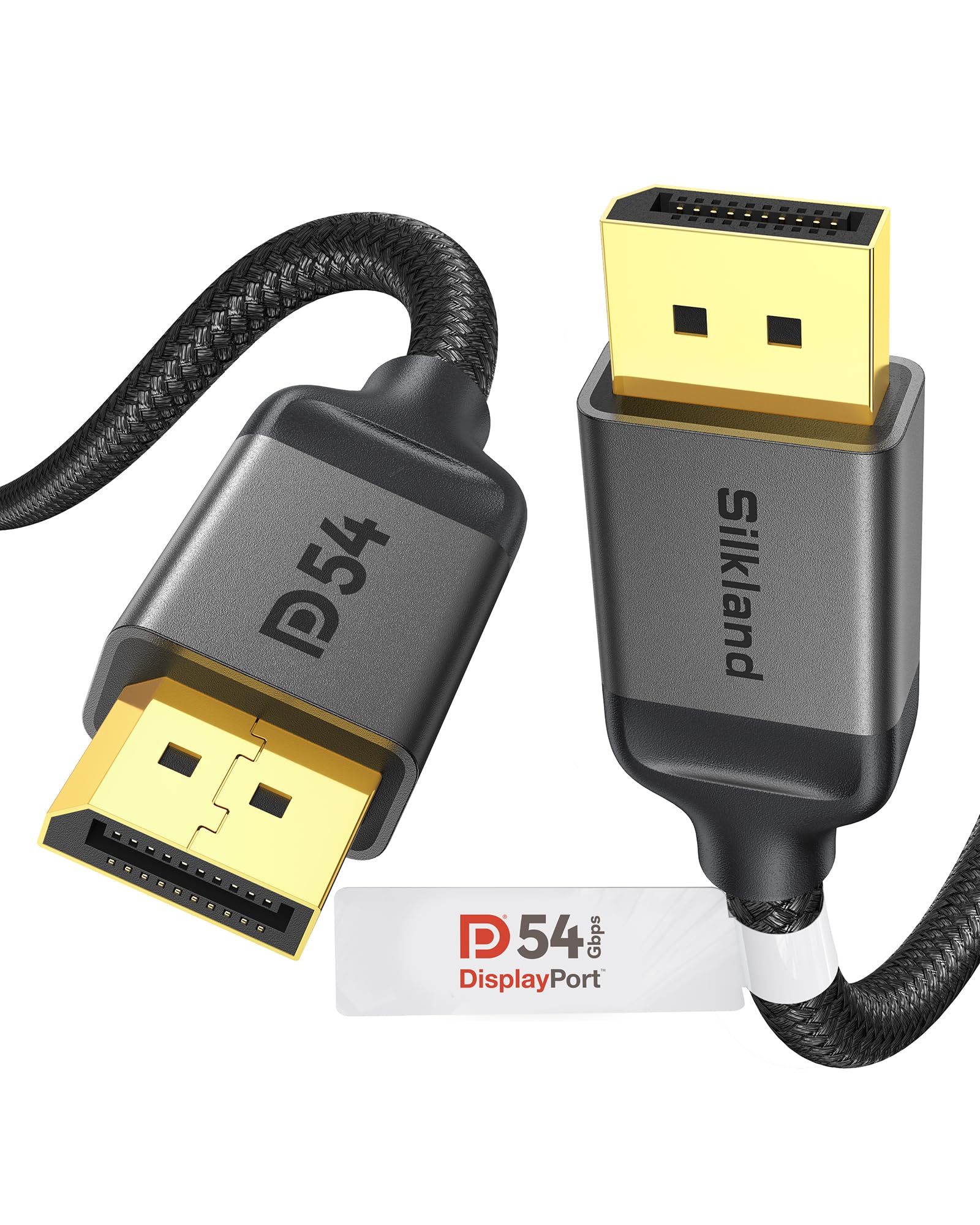
7,000+ ratings
Read Amazon ReviewsSilkland 54Gbps 16K DisplayPort Cable, 10 ft
Choose the DP80 when the short reach fits and your system can benefit from its higher stated bandwidth.
The 10-foot alternative is a more practical fit when the PC and monitor are farther apart or you need extra routing length, while its listed bandwidth and modes are lower.
- This 10-foot Silkland cable lists 54Gbps bandwidth, support up to 16K at 60Hz with DSC, 8K at 120Hz, and 4K at 240Hz, plus backward compatibility with several earlier DisplayPort versions.
- The DP80 is a 1.6-foot cable with a stated 80Gbps bandwidth, aimed at a close connection and higher listed uncompressed refresh-rate modes.
Is Silkland DP80 Cable Worth It?
The Silkland DP80 DisplayPort Cable is worth considering for a high-refresh gaming or workstation setup where the computer and monitor are close together.
Its 80Gbps specification, listed gaming features, and detailed construction make it a capable match for compatible DisplayPort 2.1 equipment.
Buy it only after checking the cable route and confirming that your devices support the display mode you want, including DSC where needed.
If you need more reach, the short length is the decisive drawback; if you do not need DP80 bandwidth, a simpler cable may fit the job better.
Your review at a glance
2,000+ ratings
Read Amazon ReviewsSilkland DP80 DisplayPort Cable
A 1.6-foot choice for gamers and desktop users who want a short DisplayPort connection and have compatible high-bandwidth equipment.
- DisplayPort 2.1 DP80 cable with a stated data rate of 80Gbps and VESA certification.
- Supports uncompressed 4K at 240Hz, 8K at 60Hz, and 2K at 540Hz; with DSC enabled, listed maximums include up to 16K at 60Hz, 8K at 240Hz, and 4K at 540Hz.
- Includes support for VRR, FEC, ALLM, DSC 1.2a, and MST; Silkland advises using the same cable type across multiple displays.
- Lists HDR10+, 3D, HDCP 2.3, and uncompressed 7.1, 5.1, or 2.0 audio pass-through.