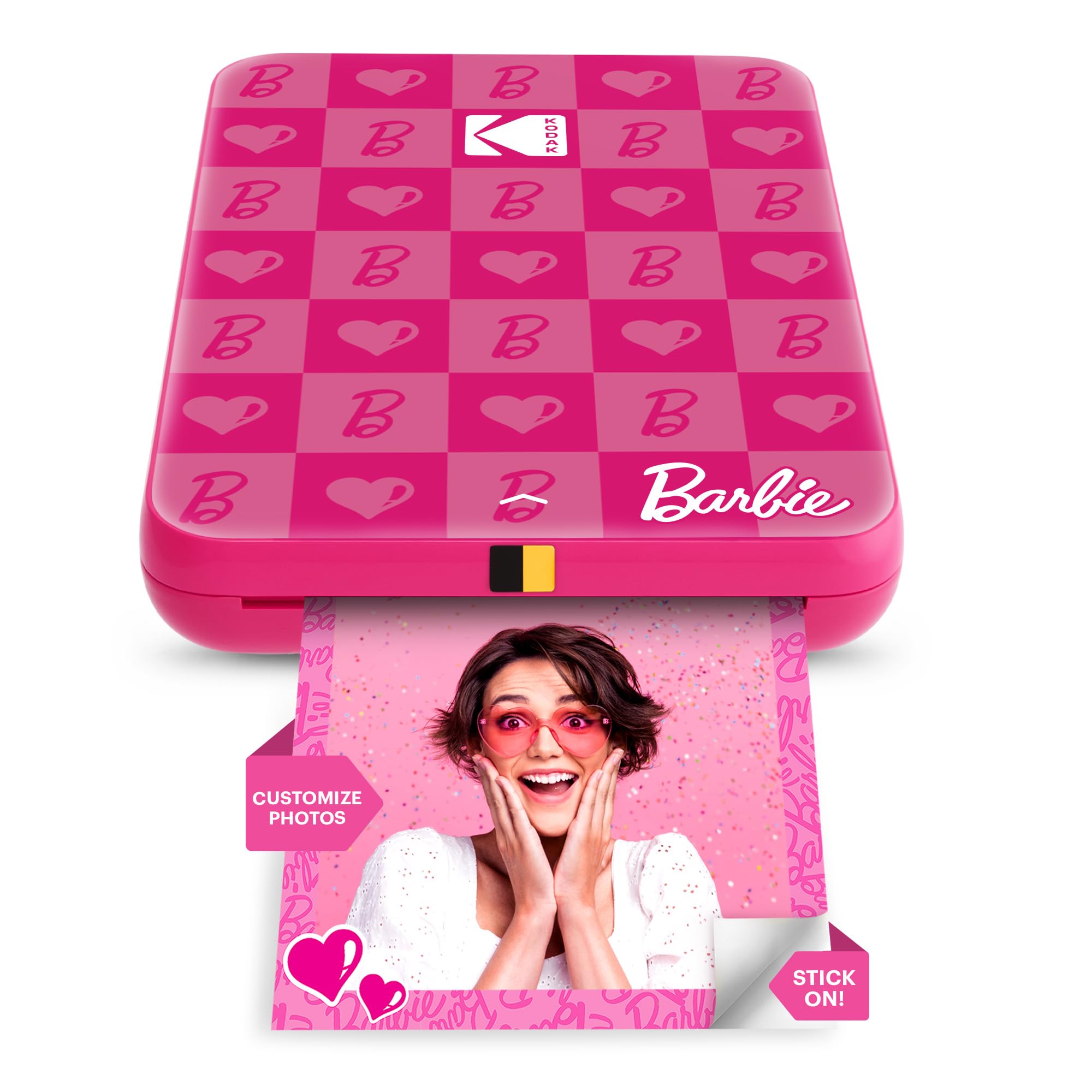
The Kodak Barbie x Step Slim turns photos on an iOS or Android device into small, adhesive-backed color prints, with a Barbie-themed finish and editing tools in the app.
This kodak instant photo printer review looks at how its compact Zink format fits casual scrapbooking, journaling, and on-the-go photo sharing.
Kodak Step Slim Review Summary
The quick verdict
20,000+ ratings
Read Amazon ReviewsKodak Barbie x Step Slim Printer
A pocketable, app-connected photo printer for fans who want colorful 2×3-inch peel-and-stick snapshots for journals, crafts, and casual sharing.
- Prints full-color, borderless photos on 2×3-inch Zink adhesive-backed paper.
- Connects with iOS and Android devices through Bluetooth or NFC.
- The companion app supports capturing, editing, printing, and sharing photos, with filters and other editing options.
- Zink paper contains the color-forming material, so printing does not require separate ink, toner, or cartridges.

Pros
- Compact form makes it practical to carry for outings, gatherings, or craft sessions.
- Peel-and-stick prints can move directly into journals, albums, and other creative projects.
Consider before buying
- The 2×3-inch print size is small for users who want larger photographs or wall-ready prints.
- Each print uses adhesive-backed Zink paper, so ongoing use depends on having compatible sheets available.
Read the full review summary
This printer is built around convenience: pair a smartphone over Bluetooth or NFC, choose and edit an image in the app, and print a 2×3-inch Zink photo without separate ink cartridges or toner.
Its pocket-sized shape and stated capacity of up to 25 photos per charge make it appealing for trips, parties, and small creative projects where a phone image is more useful as a physical keepsake.
The tradeoff is the deliberately small, sticker-oriented format.
It suits users who want quick prints to place in a journal, album, or other suitable surface, and who enjoy the Barbie styling; it is a less natural fit for large photographs or general-purpose printing.
The app is part of the workflow, so buyers should be comfortable editing and sending photos from a phone.
The buying factors
Kodak Step Slim Scorecard
Editorial scores reflect listed features and buyer fit; they are not laboratory measurements or customer ratings.
Portability
The printer is described as lightweight and pocket-sized, with a slim profile intended for carrying with a smartphone.
Phone workflow
It supports iOS and Android connections through Bluetooth or NFC and uses an app for capture, editing, and printing.
Print versatility
Borderless color prints and editing options provide some flexibility, but the output is limited to the small 2×3-inch photo format.
Creative use
Adhesive-backed paper and app-based editing make it well suited to stickers, keepsakes, and decorated pages.
Consumable simplicity
Zink printing does not require separate ink, toner, or cartridges; compatible photo paper is still needed.
Casual session capacity
The stated battery capacity is up to 25 photos per charge, while the paper tray holds up to 10 sheets at a time.
Key Features and Specifications of Kodak Step Slim
- Prints full-color, borderless photos on 2×3-inch Zink adhesive-backed paper.
- Connects with iOS and Android devices through Bluetooth or NFC.
- The companion app supports capturing, editing, printing, and sharing photos, with filters and other editing options.
- Zink paper contains the color-forming material, so printing does not require separate ink, toner, or cartridges.
- Prints are described as smudge-proof, water-resistant, and tear-resistant.
- The lightweight, pocket-sized design measures about 4.6 × 3.5 × 0.65 inches and weighs about 0.07 kg.
- The listed paper tray capacity is 10 sheets; the stated battery capacity is up to 25 photos per charge.
Pros and Cons of Kodak Step Slim
Pros
- Compact form makes it practical to carry for outings, gatherings, or craft sessions.
- Peel-and-stick prints can move directly into journals, albums, and other creative projects.
- Zink technology avoids stocking separate ink or toner supplies.
- App editing tools let users add filters and other styling before printing.
- The Barbie collaboration offers a distinctive design for buyers who like the theme.
Consider before buying
- The 2×3-inch print size is small for users who want larger photographs or wall-ready prints.
- Each print uses adhesive-backed Zink paper, so ongoing use depends on having compatible sheets available.
- The workflow depends on a smartphone and companion app; it is not positioned as a general-purpose document printer.
- A 10-sheet tray means larger batches require reloading paper.
Who Should Buy Kodak Step Slim?
Good fit
Consider it if you want a portable way to turn phone photos into small, tangible keepsakes.
The compact size, wireless phone connection, and sticker backing make it a natural companion for travel journals, scrapbooks, party favors, or decorating personal items.
The app's editing options add a step for selecting the look of a print before it comes out.
It may also suit a Barbie fan looking for a themed gadget that can be used for more than display.
The stated capacity of up to 25 photos per charge supports casual outings, while the 10-sheet tray is better suited to short print sessions than large batches.
Before buying, think about how often you expect to print and whether 2×3-inch adhesive-backed images match your projects.
Check the availability and cost of compatible Zink paper for your routine, since the ink-free design still relies on paper-specific consumables.
Who should skip it
Skip this format if your priority is printing larger photos, multipurpose home documents, or batches without pausing to reload a small tray.
It may also be a poor match if you prefer not to use a phone app as part of selecting and editing images, or if you do not want sticky-backed prints.
How the Kodak Step Slim fits everyday photo printing
Small prints, clear purpose
A 2×3-inch print works best when the goal is a portable keepsake rather than a full-size photograph.
Its adhesive backing can help it move straight into a journal, scrapbook, or another project, but buyers should make sure that this small format is what their albums and display plans call for.
A phone-centered printing routine
Bluetooth or NFC pairing and app-based editing keep the process centered on a smartphone. That is convenient when photos already live on a phone and the user wants to add a filter or other styling before printing.
It also makes the phone and app part of the routine, so this design is aimed at mobile photo projects rather than stand-alone printing.
Ink-free printing and paper planning
Zink removes separate ink and toner from the supply list, while the color process is tied to compatible photo paper.
The stated resistance to smudges, water, and tears may be useful for handling prints, but buyers should still plan around paper replenishment and protect keepsakes from conditions beyond ordinary use.
Portability versus batch size
The slim dimensions and low listed weight support carrying the printer in a bag or pocket.
Its tray capacity of 10 sheets points to short sessions, and the stated up-to-25-photo battery capacity gives a useful planning ceiling rather than a guarantee for every outing.
For frequent event printing, consider how often reloading and recharging will fit your workflow.
Alternatives to Kodak Step Slim
NFC pairing alternative
20,000+ ratings
Read Amazon ReviewsKodak Step Instant Photo Printer
Choose the Barbie x Step Slim if its styling and slim form are part of the appeal.
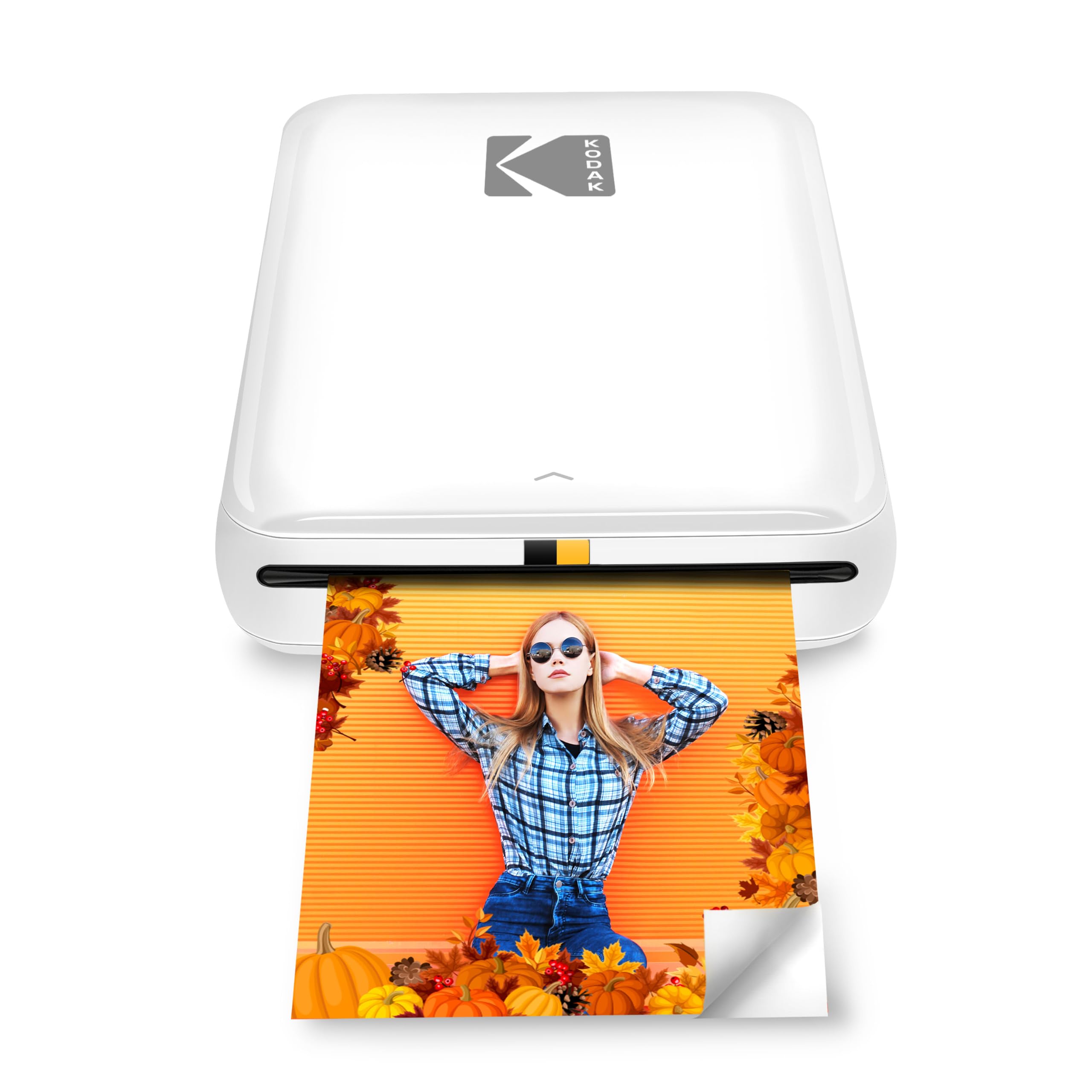
The Kodak Step is a close functional alternative for the same small sticky-backed print routine, with its own app-based creative tools; compare the designs and included-paper details that matter to you.
- The Kodak Step also prints 2×3-inch Zink photos and supports Bluetooth or NFC phone connections.
- Its description highlights editing tools for collages, filters, borders, stickers, and text, plus up to 25 prints per charge.
- The Barbie x Step Slim pairs the 2×3-inch Zink sticker format with a slim, themed design and a stated capacity of up to 25 prints per charge.
Laminated-print alternative
12,000+ ratings
Read Amazon ReviewsKodak Mini 2 Retro
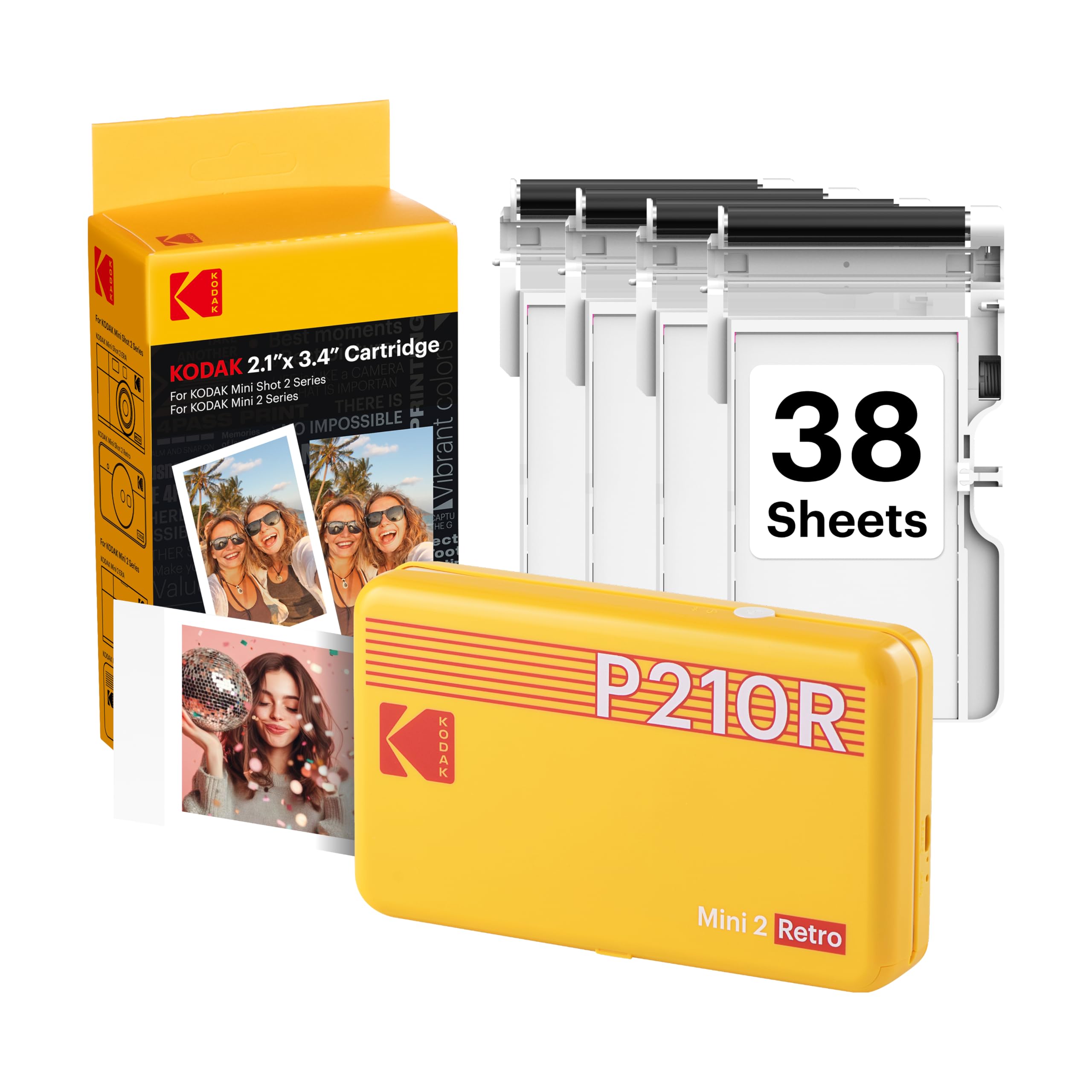
Consider the Mini 2 Retro if you prefer its dye-sublimation process and bundled paper-and-cartridge setup for credit-card-sized keepsakes. Choose the Step Slim if you specifically want Zink sticker paper and a Barbie-themed, pocket-sized printer.
- The Kodak Mini 2 Retro uses 4PASS dye-sublimation printing and produces credit-card-sized photos.
- Its bundle description lists 38 sheets of photo paper, four cartridges, a USB-C cable, and a user guide; the printing process includes a protective lamination layer.
- The Barbie x Step Slim uses ink-free Zink paper for 2×3-inch adhesive-backed prints.
Is Kodak Step Slim Worth It?
The Kodak Barbie x Step Slim is worth considering for phone-first users who want compact 2×3-inch color stickers for journals, scrapbooks, and casual sharing. Its portability, app editing, and ink-free Zink process serve that focused use well.
Buy it if the small adhesive-backed format and themed design suit your projects, and you are comfortable replenishing compatible paper. Look elsewhere if you need larger prints, document printing, or a higher-capacity batch workflow.
Your review at a glance
20,000+ ratings
Read Amazon ReviewsKodak Barbie x Step Slim Printer
A pocketable, app-connected photo printer for fans who want colorful 2×3-inch peel-and-stick snapshots for journals, crafts, and casual sharing.
- Prints full-color, borderless photos on 2×3-inch Zink adhesive-backed paper.
- Connects with iOS and Android devices through Bluetooth or NFC.
- The companion app supports capturing, editing, printing, and sharing photos, with filters and other editing options.
- Zink paper contains the color-forming material, so printing does not require separate ink, toner, or cartridges.